Appearance
User Guide
Libris is a self-hosted book management system. It ingests EPUB files, enriches their metadata from Hardcover (the sole external metadata source), organizes them into a structured Author/Title/ library, serves them to e-readers through a built-in OPDS catalog, and syncs reading progress with KoReader over KoSync. Everything runs on your own hardware. The only external account is an optional, per-user Hardcover API token used for metadata enrichment and reading-status sync.
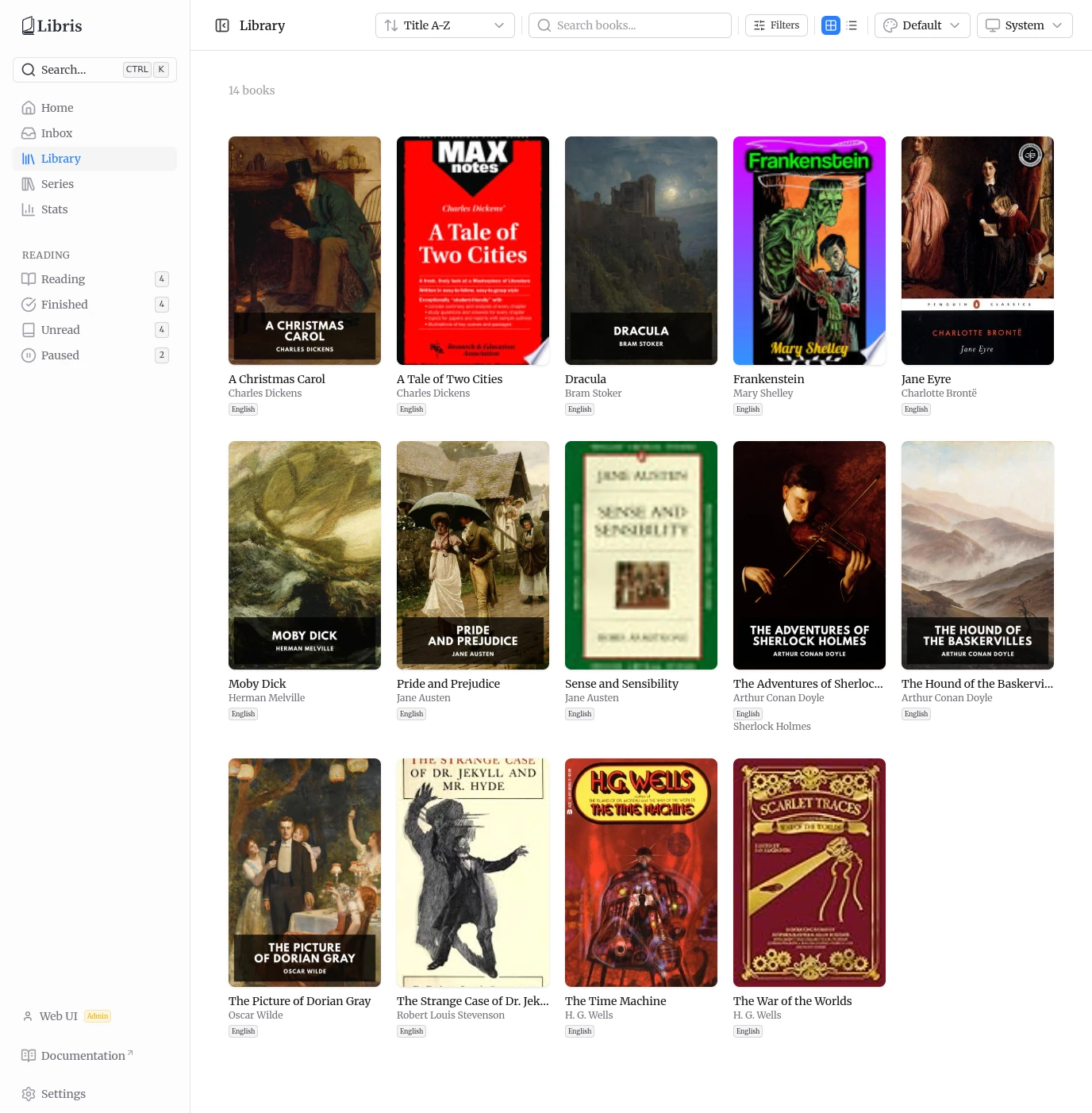
A few facts shape how the rest of this guide reads:
- Hardcover is the only external metadata source. When a Hardcover lookup returns nothing, the book is still promoted to review using the metadata extracted from the file, so you can complete it manually.
- The organized library is shared. Every authenticated user sees every organized book, with uploader attribution and an optional "Uploaded by" filter. Reading progress, reading-status overrides, per-account connections, upload ownership, and reading stats are the only per-user data.
- Accounts are created by an admin. There is no self-registration and no password-reset email. The first admin is created by a first-run form; everybody after that is added from Settings.
- Devices use app passwords. Your account password stays in the browser. E-readers, scripts and the OPDS catalog get their own per-device credential that you can revoke on its own.
- Only EPUB files are ingested. Other formats dropped into the inbox are ignored.
In this guide
- Getting Started & Users -- First-run setup, sign-in, accounts and roles, and pairing a device with an app password.
- Settings & Connections -- Settings tabs, your account, user management, app passwords, OPDS / KoSync / Hardcover connections, and paths.
- Adding Books & Inbox Review -- Inbox folder, upload, the ingestion pipeline, and metadata review.
- Library & Series -- Grid and list views, filters, search, and series browsing.
- Book Details & Editing -- The detail page, edit metadata, edit reading status, and refetch.
- Reading Progress, Stats & Hardcover Sync -- Reading-status derivation, reading shelves, stats, and Hardcover sync.
- OPDS Catalog -- The OPDS feeds, supported readers, and connecting a reader.
- Dashboard & Keyboard Shortcuts -- The home dashboard and keyboard navigation.